
HDMI 2.1 vs HDMI 2.0: What’s the Real Difference (And Do You Actually Need It)?

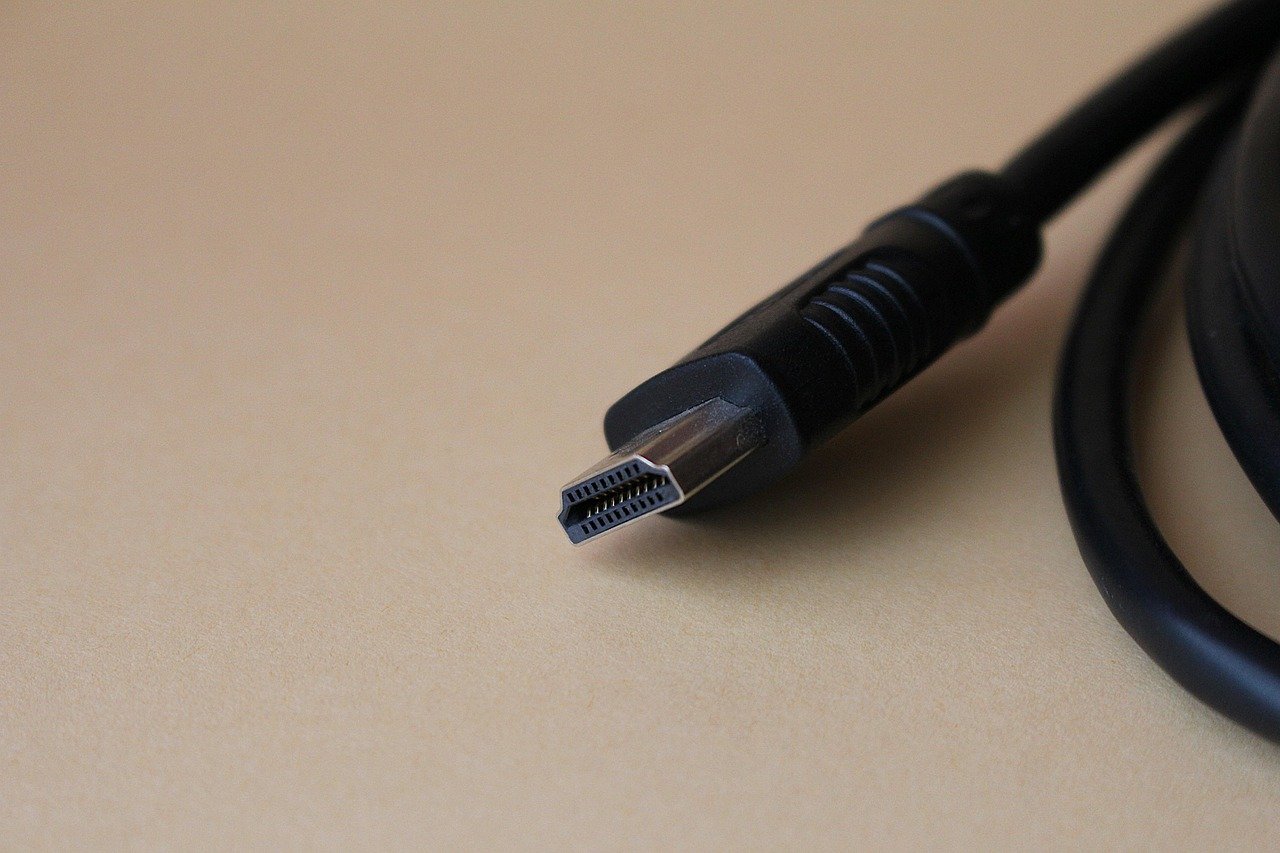
If you’ve bought a new TV, gaming console, or graphics card in the last couple of years, you’ve probably seen “HDMI 2.1” printed somewhere on the box and wondered if it actually matters, or if it’s just another spec number nobody explains properly. Short answer: for some people it matters a lot, and for others it changes nothing. Here’s how to tell which one you are.
Key Takeaways
- HDMI 2.1 carries up to 48Gbps of bandwidth versus HDMI 2.0’s 18Gbps, which is what unlocks 4K at 120Hz and 8K at 60Hz.
- If either device in the chain (your TV, console, receiver, or cable) is only HDMI 2.0, the whole connection drops to HDMI 2.0 speeds. The weakest link decides, not the best one.
- If your setup is basically “TV plus a streaming box,” you almost certainly don’t need to upgrade anything.
- Gamers on PS5, Xbox Series X, or a modern graphics card get the most real benefit, mainly through 120Hz and VRR.
What’s the Actual Difference Between HDMI 2.1 and HDMI 2.0?
The headline number is bandwidth: HDMI 2.1 supports up to 48Gbps, compared to 18Gbps on HDMI 2.0 (Cable Matters). That’s not a marketing number you need to remember, it’s just the reason everything else on this list is possible in the first place.
With that extra bandwidth, HDMI 2.1 can push 4K video at up to 120 frames per second, and 8K at 60Hz. HDMI 2.0 tops out at 4K60. HDMI 2.1 also switched from Static HDR, which sets one brightness and color profile for an entire movie or show, to Dynamic HDR, which adjusts scene by scene or even frame by frame. In practice that means better-looking highlights and shadows without you doing anything.
There’s also eARC (enhanced Audio Return Channel), which lets you send higher-quality, uncompressed audio formats like Dolby Atmos back from your TV to a soundbar or receiver over the same cable. HDMI 2.0 has regular ARC, which works fine for most people but compresses the audio more.
And yes, there’s now an HDMI 2.2 standard too, announced with double the bandwidth of 2.1 (Tom’s Guide). It’s showing up in a handful of high-end monitors and next-gen source devices, but it’s not something you need to chase right now. Think of it the same way you thought about HDMI 2.1 back when almost nothing supported it yet.
Do You Actually Need HDMI 2.1?
Honestly, most people don’t. If your TV setup is a streaming box, a cable box, or a Blu-ray player, HDMI 2.0 handles all of that without any visible compromise. You’re not gaining anything by hunting down HDMI 2.1 cables for a Roku or Apple TV.
Where it actually matters is gaming and dense home theater setups. If you’ve got a PS5, Xbox Series X, or a newer gaming PC with a modern GPU, HDMI 2.1 is what lets you run games at 4K120 with Variable Refresh Rate turned on, which cuts down on screen tearing and stutter noticeably. Both current-gen consoles are built around this (Tech Insider). If you’ve paired a next-gen console with an older HDMI 2.0 TV, you’re leaving real performance on the table.
Multi-device home theaters are the other case. Newer OLED TVs with four HDMI 2.1 ports can run a console, a PC, and a streaming box at the same time with VRR active on more than one input at once, something that just wasn’t possible on older HDMI 2.0-only sets.
Why “I Bought an HDMI 2.1 Cable” Doesn’t Always Mean Anything
This is the part that trips people up the most, so it’s worth its own section. HDMI works like a chain, and a chain is only as strong as its weakest link. If you connect an HDMI 2.0 Blu-ray player to an HDMI 2.0 TV using a brand new HDMI 2.1 cable, you get exactly the same picture as if you’d used a cheap HDMI 2.0 cable. The cable isn’t the bottleneck, your devices are.
So before spending money on a new cable, check both ends of the connection, not just one. A HDMI 2.1-labeled cable connecting two HDMI 2.0 devices doesn’t unlock anything. It’s really only worth upgrading the cable once you’ve confirmed both your source (console, PC, receiver) and your display actually support HDMI 2.1 themselves.
If you’re not sure how long a cable you actually need for your setup, we’ve got a separate breakdown of that: HDMI Cable Length – How Long Can an HDMI Cable Be?, and a PS5-specific version here: PS5 HDMI Cable Length.
Is HDMI 2.1 Common on TVs Now, or Still a Premium Feature?
It’s become a lot more mainstream than it used to be. 120Hz refresh rates and HDMI 2.1 ports have moved from a gaming-only extra to something even mid-range 4K TVs now advertise on the box. Budget-tier sets are starting to include HDMI 2.1 connectivity, mid-tier models are shipping with native 120Hz panels and full HDMI 2.1 as standard, and flagship OLEDs treat it as a given rather than a selling point (based on current market pricing tiers reported by industry buying guides).
That’s good news if you’re shopping for a new TV. It also means older “HDMI 2.1” branding confusion is less common than it was a couple of years back, when some manufacturers advertised “HDMI 2.1 support” on a TV that only actually delivered 2.1-level bandwidth on one of its four ports. It still pays to check the spec sheet for exactly which HDMI ports on your TV are full-bandwidth 2.1, not just how many the box claims to have.
How Does This Compare to Older Connections Like VGA?
If you’re still working with older equipment, this whole conversation might feel a step ahead of where you are, and that’s fine. We’ve covered the more basic comparison separately in VGA vs HDMI – What are the Differences and Similarities?, which is a better starting point if you’re not sure your gear even supports HDMI at all yet. And if resolution rather than refresh rate is your main question, our 1080p vs 4K comparison and HDR vs QLED vs 4K breakdown cover that side of things in more detail.
Frequently Asked Questions
Can I use an HDMI 2.1 cable with an HDMI 2.0 device?
Yes, HDMI cables are backward compatible. An HDMI 2.1 cable will work fine on HDMI 2.0 devices, it just won’t unlock any HDMI 2.1 features, since those depend on both connected devices supporting the standard, not just the cable.
Does HDMI 2.1 improve regular streaming, like Netflix or YouTube?
Not really. Most streaming content tops out around 4K30 or 4K60, which HDMI 2.0 already handles comfortably. The benefits of HDMI 2.1 show up mainly in gaming at high frame rates and in dense multi-device home theater setups.
Do I need a special cable for HDMI 2.1, or will any HDMI cable work?
You’ll want a cable rated “Ultra High Speed HDMI,” which is the certification tied to full 48Gbps HDMI 2.1 bandwidth. Older “High Speed” or “Premium High Speed” cables aren’t rated for it and may not reliably support 4K120 or 8K signals even between two HDMI 2.1 devices.
Is it worth buying a new TV just for HDMI 2.1?
Only if you’re already gaming on a PS5, Xbox Series X, or a modern gaming PC and you’re currently on an HDMI 2.0-only TV. For everyone else, it’s a feature worth having on your next TV rather than a reason to replace a working one early.
The Bottom Line
HDMI 2.1 is a real, meaningful upgrade, but it’s also very easy to buy into unnecessarily. If gaming at high frame rates is part of your setup, check that your TV, console, and cable all actually support it, since any one weak link brings the whole connection down to HDMI 2.0 speeds. If your system is mostly for streaming and everyday viewing, you can stop worrying about the number on the box entirely.